Schlagwort: tutorial
-

DIY Fairy House That I Made From Trash
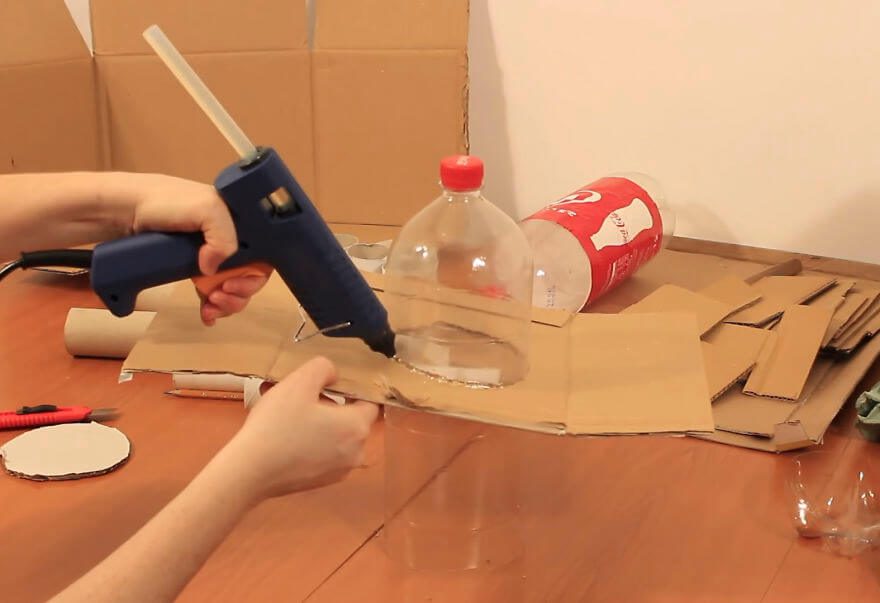
Reading Time: 3 minutesHi, in this tutorial I show you how I made a fairy house lamp recycling some cardboard from an old box, egg cartons, pizza boxes, toilet paper tubes and two plastic bottles. The only bought materials I used are the acrylic colors, the hot glue and the P.V.A. glue (less than 3$…
-

Raspberry Pi LEGO DIY NES Case
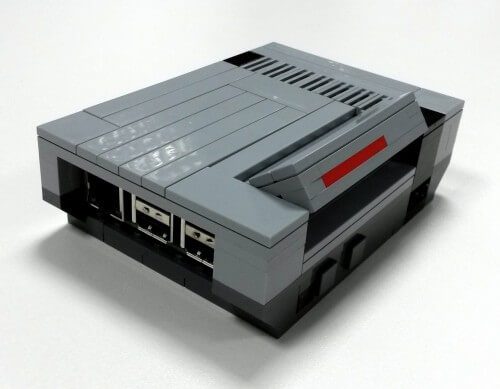
Reading Time: < 1 minuteWe found some nice tutorial on a German website, for your own DIY LEGO Pi Case!! The Original Article was way before and also a case to buy, here’s the article: https://www.raspberrypi.org/blog/lego-nespi-case/ Buy it here: http://www.raspipc.es/public/home/index.php?ver=tienda&accion=verArticulo&idProducto=1305?setLocale=en_GB And here is the Tutorial for you own Case, made with LEGO Digital Designer: Download: pi-modell Download: lego-nes-case-instruction Source: https://www.andrerinas.de/tutorials/nespi-like-lego-nes-case-anleitunginstruction.html…
-

PiBoy3 – Selfmade Arcade Gaming Handheld for under 120$ – TUTORIAL
Reading Time: 4 minutesFirst of all a Happy New Year to all our Community here on blogdot.tv and on our Social Channels 🙂 We are back in the new year with a quick made tutorial for everyone who wanted to make a game boy by your self ^^ so let’s start… THIS TUTORIAL IS BASED…
-

Play Silent Hills: P.T. on PC in VR with Google Cardboard! Full Tutorial iPhone/Android
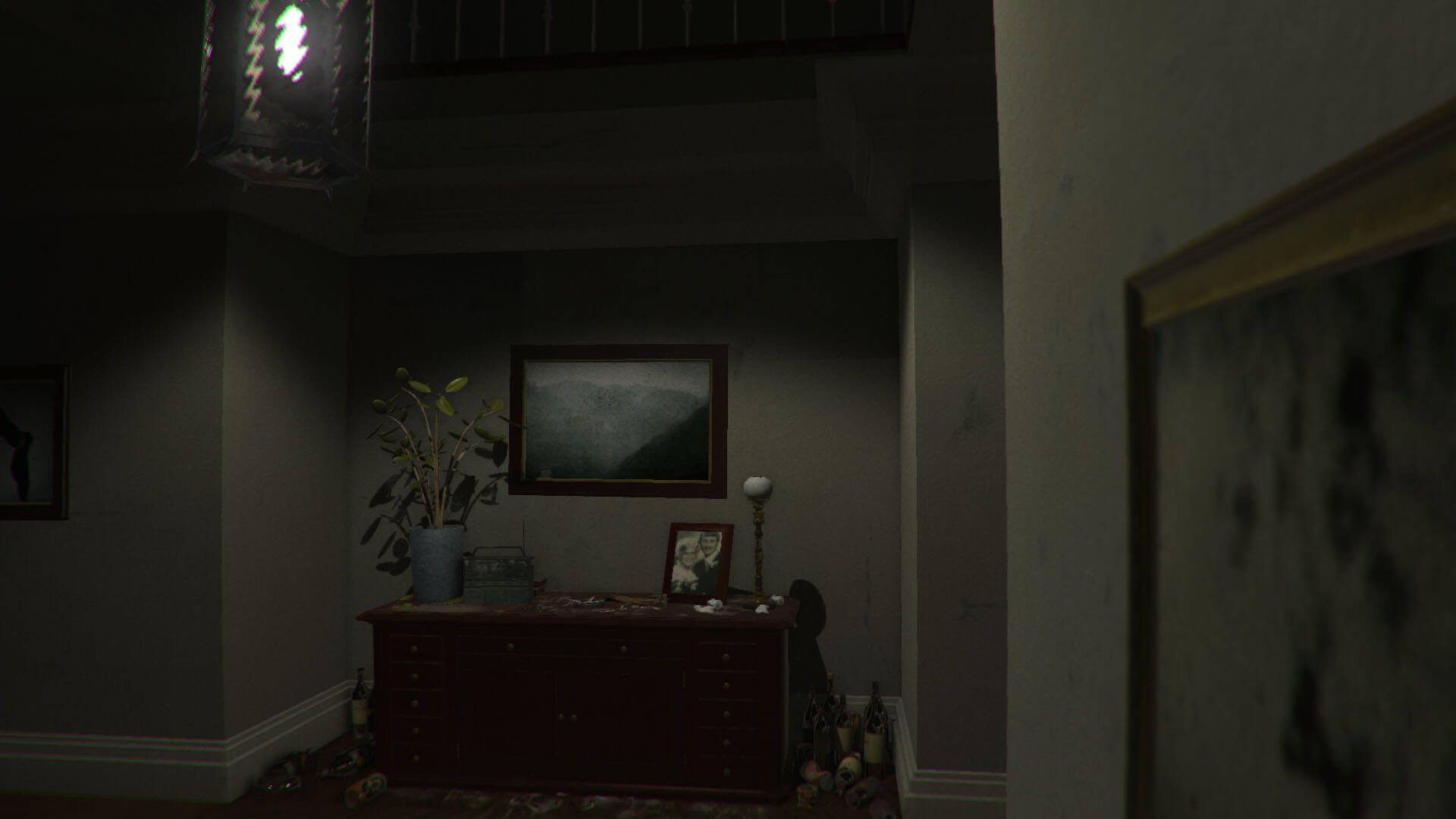
Reading Time: 2 minutesAnother Tutorial from us the team behind #blogdottv 🙂 So we gonna start right away with the Turorial for P.T. the PC Version , also known as PuniTy – PT hallway recreation! You will need: PC (i5, 8gbram and a solid graphics should do the work) Silent Hill P.T. PC version (remade free…
-
Discover Pokémon in the Real World with Pokémon GO! Mobile App Startet heute! Pokemon GO PLUS Alle Infos!
Reading Time: 5 minutesGet ready for an all-new Pokémon experience! Pokémon GO opens a universe of Pokémon to find, catch, trade, and battle on your iPhone or Android device! With Pokémon GO, you’ll discover Pokémon in a whole new world—your own! Pokémon GO will use real location information to allow players to experience catching, trading,…
-

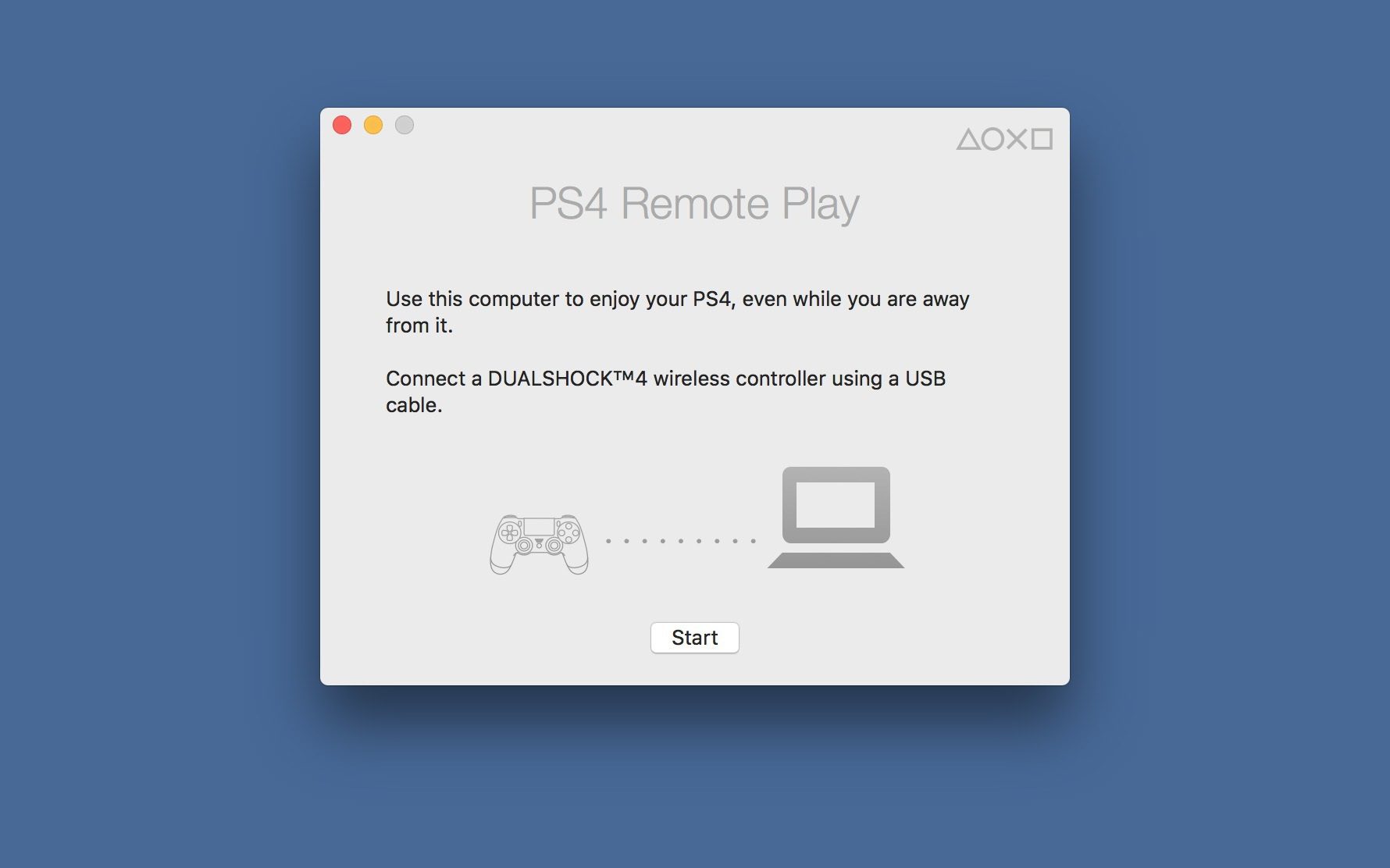
PS4 RemotePlay Tutorial Windows7/8/8.1/10 – Mac OSX ElCapitan
Reading Time: < 1 minute[mbYTPlayer url=“https://www.youtube.com/watch?v=xr-bpK7_Mbo“ opacity=“.5″ quality=“medium“ ratio=“auto“ isinline=“false“ showcontrols=“false“ realfullscreen=“true“ printurl=“true“ autoplay=“true“ mute=“true“ loop=“true“ addraster=“true“ stopmovieonblur=“false“ gaTrack=“false“] PS4 RemotePlay Tutorial Windows7/8/8.1/10 – Mac OSX ElCapitan
-

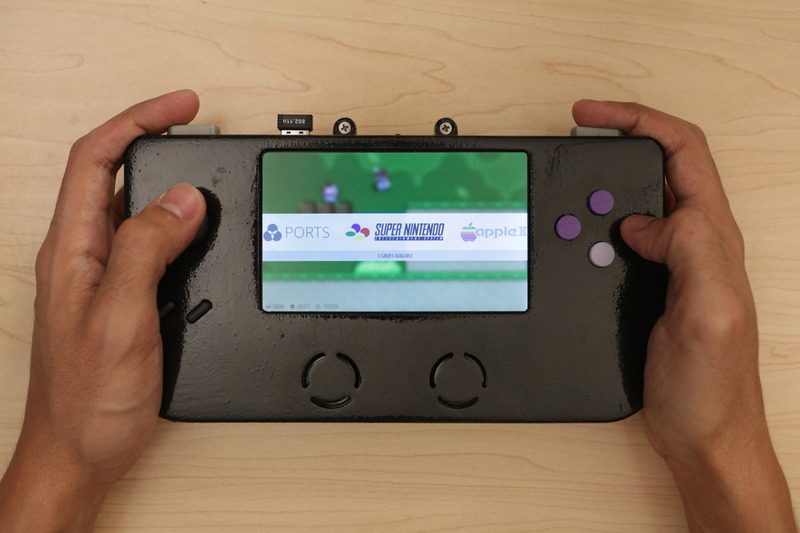
Geek 3D Prints Super Game Pi, a Fully-Functional Portable Gaming Console!
Reading Time: 3 minutes3D printing can be used to make many things, including portable gaming consoles, like the Super Game Pi. This DIY game console has 12 buttons, an analog joystick, stereo speakers and a 5-inch HDMI display. This geek used a Raspberry Pi A+ and RetroPie image to enable users to play lots of…
-

We present, Paper Shooters Assault Rifle! Perfect for Office Wars.
Reading Time: < 1 minuteHere’s a first: a cardboard assault rifle designed to look like a weapon straight from the Call Of Duty world. Available in 3 different models – Digital Ops, Zombie Slayer, and the limited edition Golden Touch – these paper gadgets fire biodegradable pellets up to 75-feet. They’re packaged in true DIY…
-

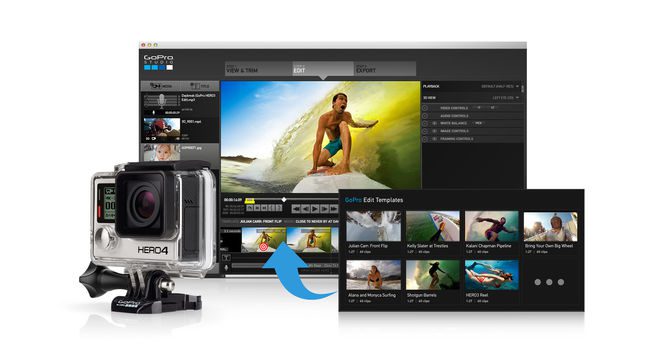
How to use QUMOX SJ4000 (SJCAM) with official GoPRO Studio Software!
Reading Time: 2 minutesHey everyone, we got a Video earlier this Week from a Qumox SJ4000: Beitrag von Blog.DOT TV. We got many Questions about the Cam, and here some Details to make everything clear: Original Manufactur and Name: SJCAM Amazon Model Name: QUMOX we found out that QUMOX has no official Website, no Manufactur…
-
-

Philips PicoPix PPX 3614 Android Beamer + How to install XBMC Frodo + Autostart
Reading Time: 2 minutesHey everyone, we got the PicoPix Beamer from Philips Picopix last week as a review item. We are very impressed by the way so tinny and so big Screen! So here’s the Tutorial for the Philips PicoPix PPX 3614 (Android 2.3.1) to install the XBMC Media Center onto the device. (so you got a…
-

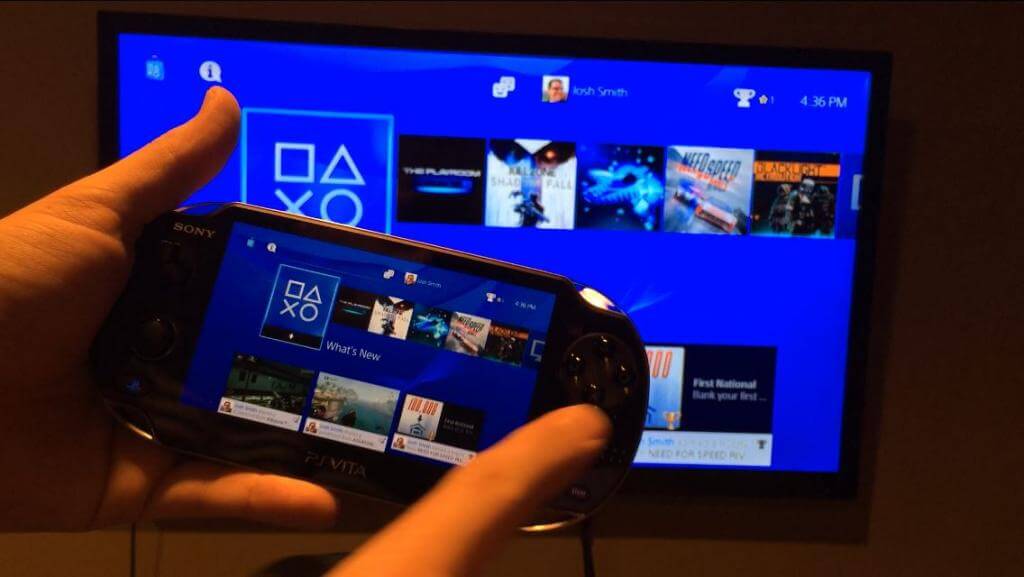
Remote Play on PS4 and PS Vita – Step by Step Guide + Use a Vita as a second PS4 controller
Reading Time: 2 minutesMaybe you’re picking up a PlayStation 4 today (and you should, because it’s a pretty damned cool console), and one of the games you happen to pick up supports 2 player’s on screen at the same time. Maybe you don’t have a second controller, but your buddy, wife, girlfriend, dog, brother or…
-

Tutorial how to use PS4 remote play away from home with PS Vita
Reading Time: 5 minutesSo here we found some interresting articles on Sony Forums Website: Registering a device The first time you use (PS4 Link), you must register (pair) a PS4™ system with your system. The number of PS4™ systems you can register with your system is limited. You can register 1 PS4™ system with your system…
-

Make yourself the Most Useless Machine EVER! Tutorial Instructions
Reading Time: 10 minutesAlso Known As: The Ultimate Machine Battery Pack Gear Motor Toggle Switch Microswitch Printed Circuit Board Green & Red 3 mm LEDs Two 56 Ohm Resistors Hook-Up Wire Heat Shrink Soldering The Machine: Soldering is so easy there’s a comic book instruction guide called Soldering is Easy that we recommend. It was created by…
-

How to Remove “Branding Logo” and “Ease of Access” (Accessibility) Button from Windows Vista and 7 Login Screens?
Reading Time: 2 minutesSo here we start the tutorial: 1. We’ll need to edit „%windir%\System32\authui.dll“ file. First copy authui.dll file from „System32“ folder to some other location for example Desktop. Note: here %windir% represents „Windows“ directory which can be found in the system drive where Windows is installed. In most of the cases its C:\Windows. 2. Now open the new…