Schlagwort: makers
-

Hot Spotter
Reading Time: 3 minutesMade from off-the-shelf hardware, including a Raspberry Pi 3A+, the Hot Spotter can survey an area to create a heat map. “As the drone flies over an area, it records average temperatures of spots on the ground,”explains Jason. “The size of the spot depends on how high the drone is flying, in…
-

ZX Spectrum Next Accelerated review
Reading Time: 2 minutesThe keyboard is a thing of beauty. The keys are responsive, although the layout is a bit weird after years of muscle memory bonded to PC. It’s packed with connections: HDMI and VGA for video out; 3.5 mm ear and mic mini-jacks; PS/2 for keyboard and mouse; plus the mini HDMI and micro…
-

Make a Sense HAT rainbow display for your window
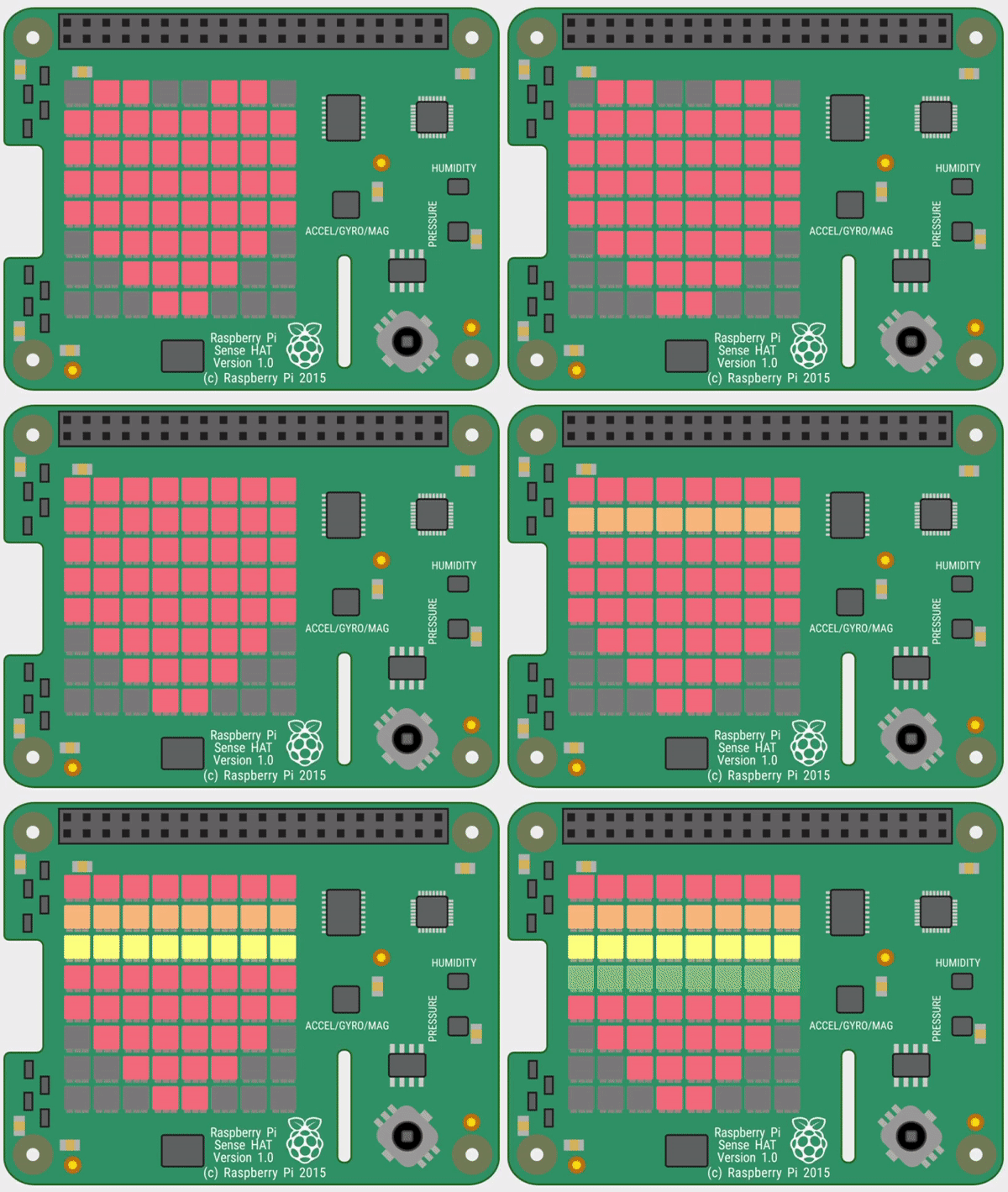
Reading Time: 9 minutesBy following our step-by-step guide, you will discover how to light up rainbow and heart images on the Sense HAT’s LED matrix, as well as showing a custom scrolling message. If you don’t have a Sense HAT, you can still try out the code using the Sense HAT Emulator in Raspbian. Click…
-

The Official Raspberry Pi Camera Guide out now!
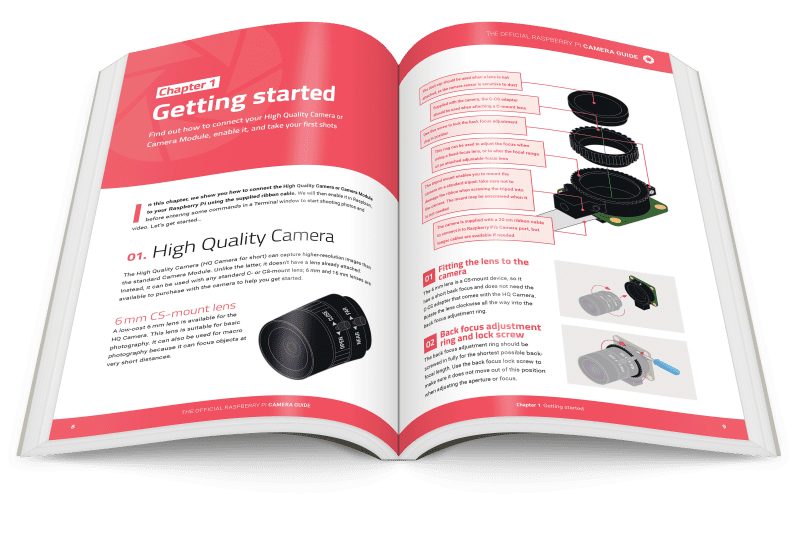
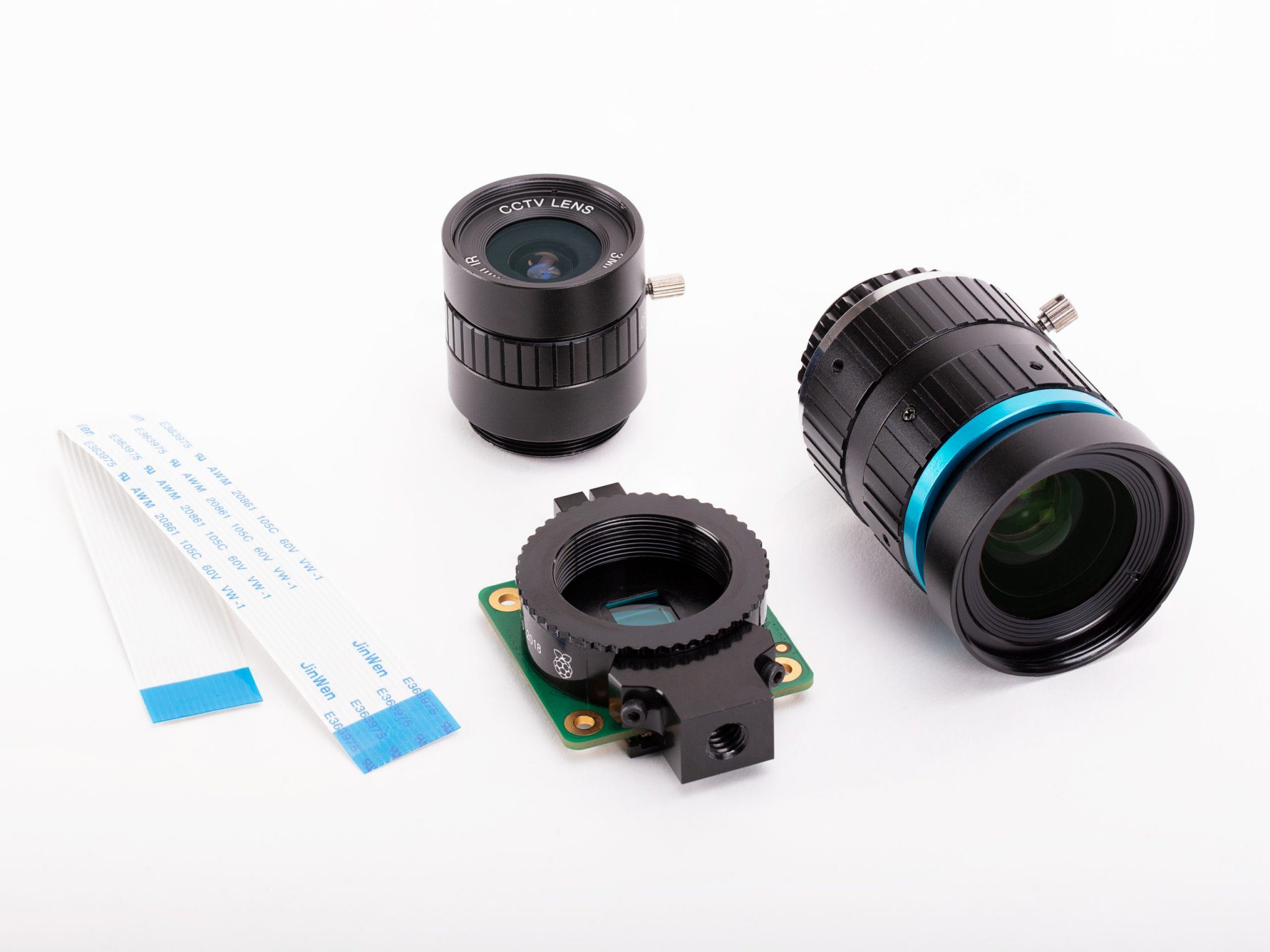
Reading Time: 2 minutesTo coincide with the launch of the High Quality Camera, Raspberry Pi Press has released a new 132-page book to show you how to set it up, shoot great photos and videos, and use it in a range of inspiring projects. A step-by-step illustrated guide reveals how to attach a lens to…
-

Hamster Feeder
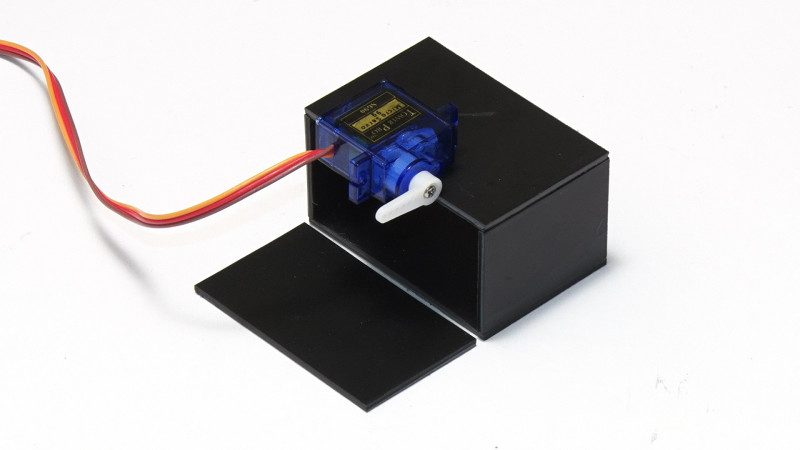
Reading Time: 3 minutes“I’d made a video about controlling servo motors using a Raspberry Pi and I wanted to follow that up with a simple, practical project that would put Raspberry Pi-controlled servos into action,” he explains. To that end, the Hamster Feeder was created as a tutorial for his YouTube channel, ExplainingComputers. “It would…
-

Automation HAT Mini review
Reading Time: 2 minutesThe board’s main connections for inputs and outputs are 3.5 mm screw terminals. As well as a single relay, there are three analogue inputs, three buffered inputs, and three sinking outputs. All of these are tolerant to voltages up to 24 V – which is fine for controlling a plethora of household devices that…
-

How to use Raspberry Pi temperature & light sensors
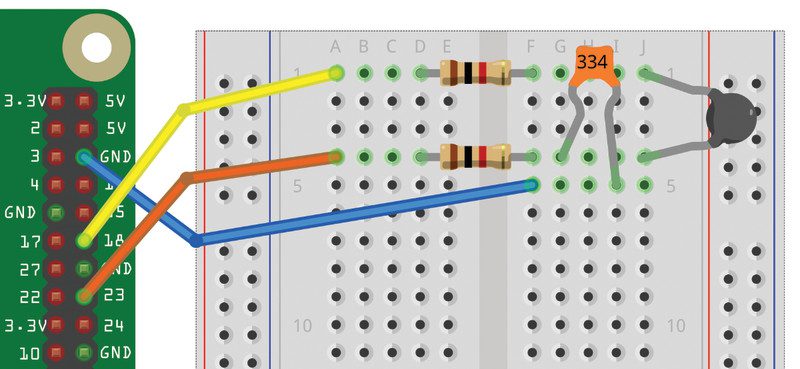
Reading Time: 4 minutesTemperature & Light sensor projects: You’ll need Both projects in this tutorial make use of the PiAnalog Python library that lets you connect analogue sensors to Raspberry Pi without special hardware. Although these projects sense temperature and light, you could easily adapt them to use other types or resistive sensor, including stress…
-

Work from Home and new High Quality Camera in The MagPi #93
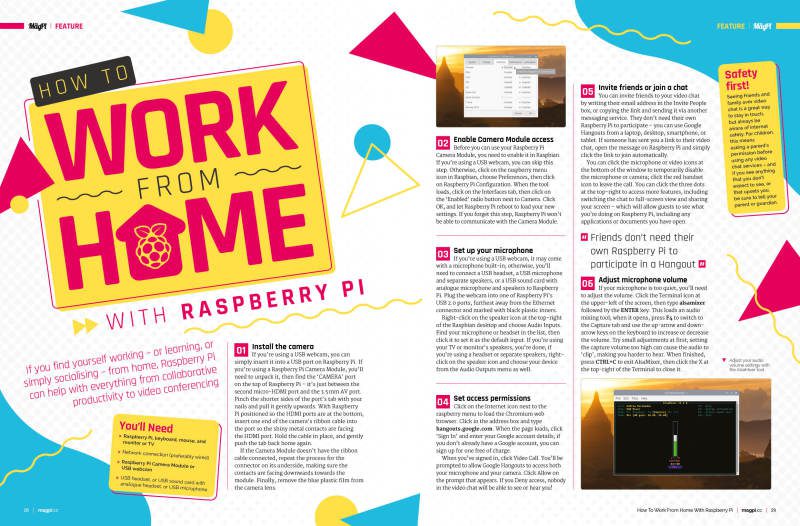
Reading Time: 2 minutesClick here to buy The MagPi magazine issue #93 Work from home with Raspberry Pi Raspberry Pi 4 is seeing a boom in use as a desktop computer for the home. Whether you’re working with Raspberry Pi, or learning, or looking to do video chat; Gareth Halfacree’s Work from home feature has…
-

Win one of five Raspberry Pi High Quality Camera and lens!
Reading Time: < 1 minuteSave 37% off the cover price with a subscription to The MagPi magazine. Try three issues for just £5, then pay £25 every six issues. You’ll save money and get a regular supply of in-depth reviews, features, guides and other PC enthusiast goodness delivered directly to your door every month. Subscribe
-

Digital Making at Home
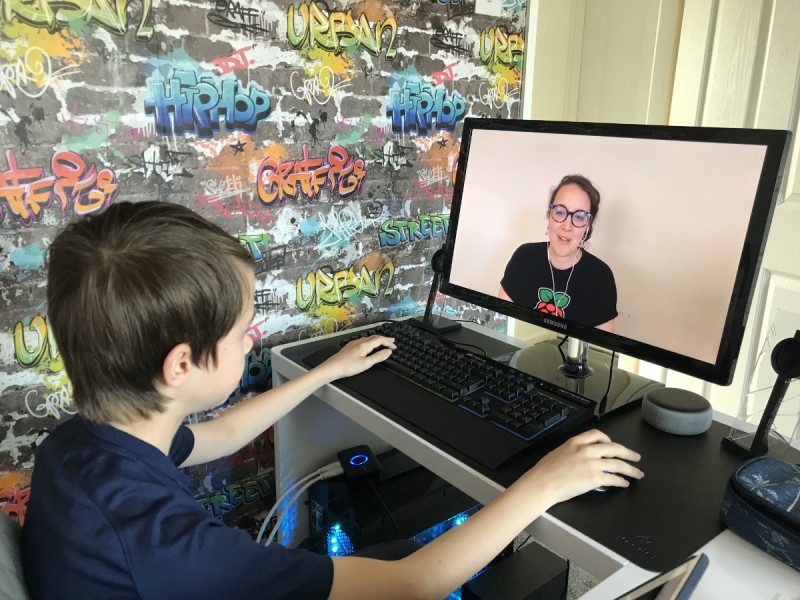
Reading Time: 2 minutesThousands of people have started engaging with Digital Making at Home. They’ve also had kids sharing their projects. Digital Making at Home is for kids who want to get into making things with technology and need a few pointers. If you or your friends are looking for ideas of how to entertain youngsters or…
-

10 amazing Raspberry Pi audio projects
Reading Time: 3 minutesWe like yelling at our digital home assistant thing to skip the track it’s currently playing. It feels very Star Trek. Sometimes it’s more dramatic to wave the music away – just like with the Wavepad. This radio reads out your notifications from a variety of services. It doesn’t have an old-fashioned…
-

PiVidBox
Reading Time: 3 minutes“My project [PiVidBox] is a simple-to-use Raspberry Pi based media centre that even children as young as three years old can use,” he tells us. “It provides a simple, physical interface that’s based on old and most likely discarded hardware. It’s simple, because instead of a full-blown graphical interface that may be…
-

Chamber: Sourdough Incubator
Reading Time: 2 minutesAll you knead to know Trent decided to take on the challenge of designing a product to meet his culinary needs, and was sure that he wanted to incorporate a small Peltier cooler in his project, as his friend Scott Hutchinson had given him the idea on a camping trip. “He happened…
-

Use Swarm with Raspberry Shake seismographic data
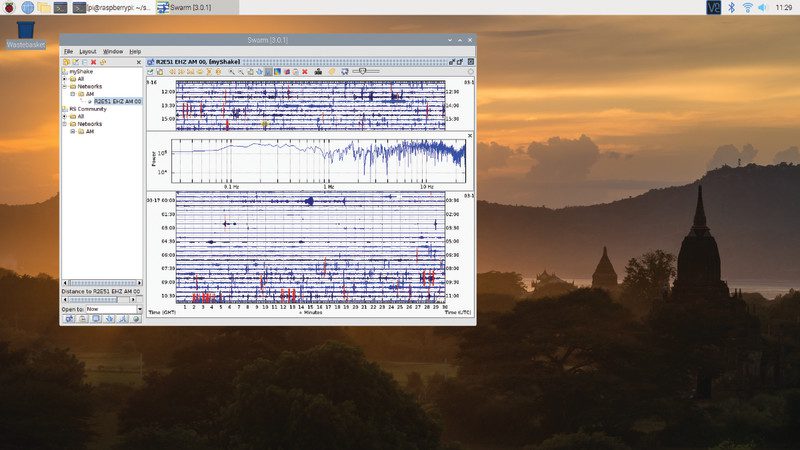
Reading Time: 7 minutesIn the previous tutorial, we looked at setting up Raspberry Shake, a geophone-based earthquake detector and checking out data with the web-based ShakeNet service. See: Build a Seismograph with Raspberry Shake Our shake has been running for a while now and we’ve gathered together some data on earthquake activity in our local area.…
-

Get The MagPi, Wireframe, and HackSpace magazines for half price
Reading Time: 2 minutesClick here to get back issues for half price For a short time, you can pick up any of the following magazines for half their usual price: The MagPi – The Official Raspberry Pi magazine Wireframe – Lifting the lid on video games HackSpace magazine – Technology in your hands This offer…
-

SaniaBOX review
Reading Time: 2 minutesThis Kickstarter project brought to life was the idea of a Sania Jain, a 13-year-old who wanted to introduce coding to younger kids where possible. To that end, the all-important add-on board part of the kit includes a series of sensors, LEDs, as well as that big three-digit, seven-segment display. Quick build…
-

Solar-powered Raspberry Pi Camera
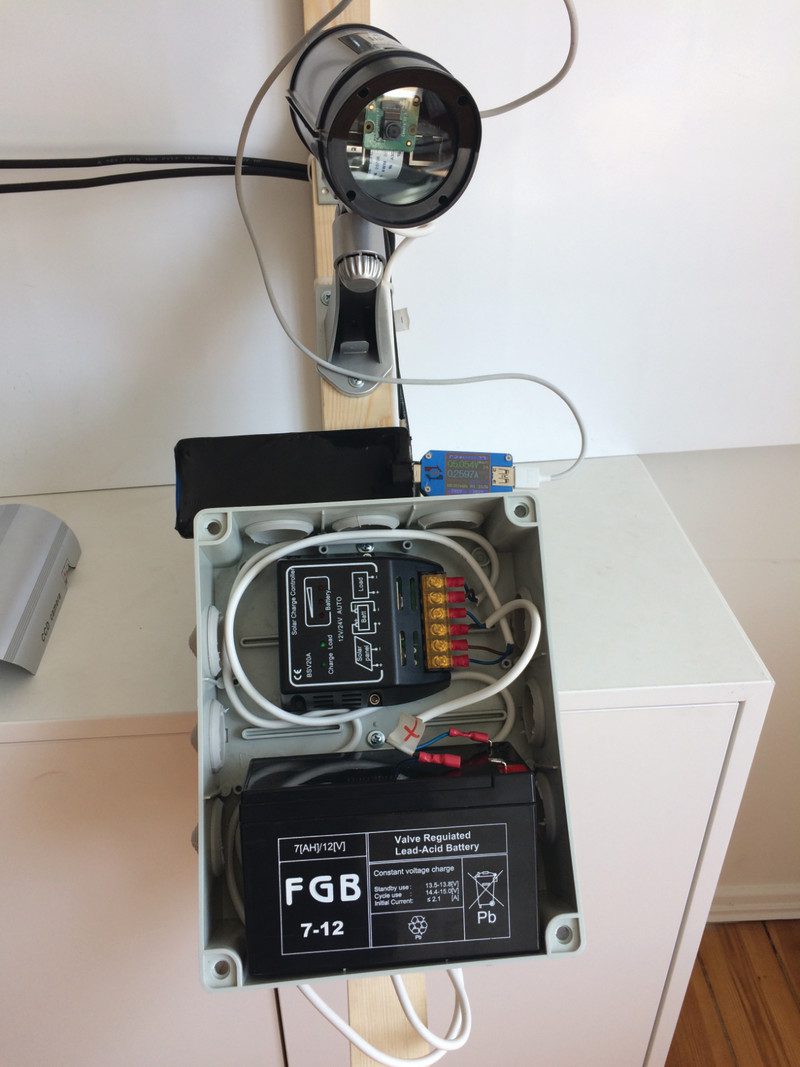
Reading Time: 3 minutesOne thing led to another. “I wanted to monitor the construction site remotely because we currently live 100 kilometres away,” he says. But rather than buy an off-the-shelf CCTV system, he purchased a dummy camera case, creating his own way of capturing images using a Raspberry Pi 3 Model B computer. “From…
-

Tweet with Morse code
Reading Time: 5 minutesYou’ll need Let’s get set up First, select the right Raspberry Pi model for the job. Of course, we would heartily recommend a Raspberry Pi 4, but in fact this project will not be too demanding on even the oldest models, so it is great for upcycling an older Raspberry Pi computer.…
-

Tweet with Morse code
Reading Time: 5 minutesYou’ll need Let’s get set up First, select the right Raspberry Pi model for the job. Of course, we would heartily recommend a Raspberry Pi 4, but in fact this project will not be too demanding on even the oldest models, so it is great for upcycling an older Raspberry Pi computer.…
-

Maker pHAT review
Reading Time: 2 minutesCytron’s Maker pHAT attempts to solve these issues and make it a lot simpler to get started with physical computing on Raspberry Pi. Purple PCB The cool-looking purple PCB has some common components already on board and connected to certain GPIO pins. Along with three small push-buttons, there’s an active buzzer and…
-

Reachy
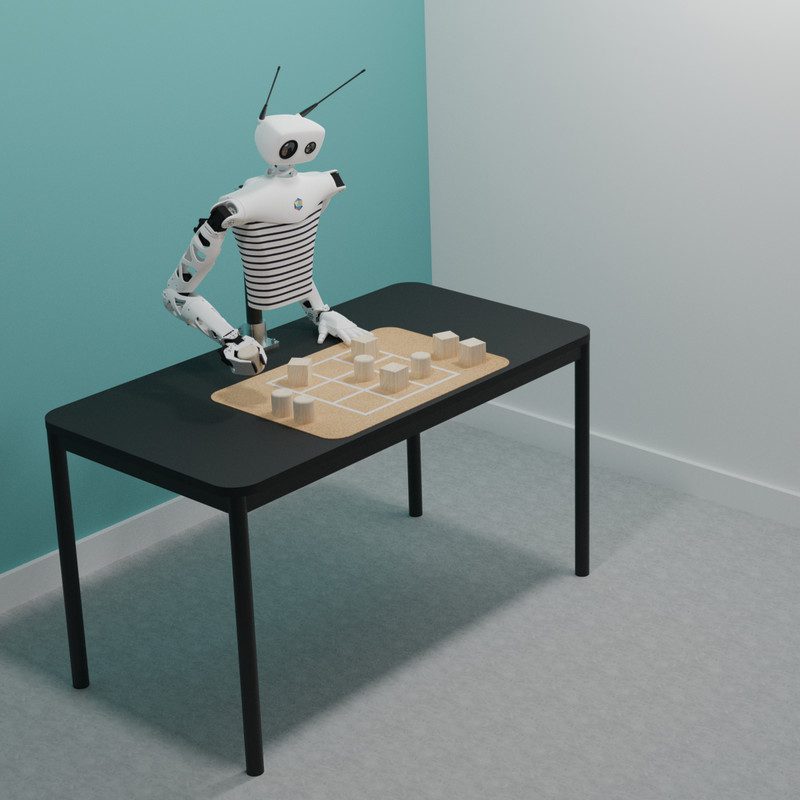
Reading Time: 3 minutesWhich part of Reachy you’ll love, however, will mostly depend on the configuration you decide to buy – assuming you have enough money, given that the prices start at €9990. The basic model, for instance, comes with just a torso and one arm, while ‘expressive’ adds a Johnny Five-like head. An advanced…
-

Getting started with electronics: LEDs and switches using Raspberry Pi
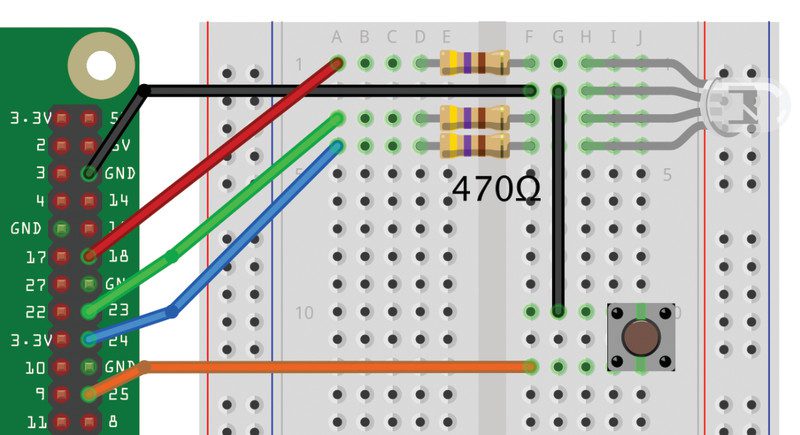
Reading Time: 5 minutesInstall the code and run Mu on Raspberry Pi Before fetching the code from the internet, you should run Mu, which you will find in the Programming section of your main menu. If it’s not there, update your system to the latest version of Raspbian (magpi.cc/raspbianupdate). Running Mu ensures that the mu_code…